Getting Online in Hiroshima and Miyajima: SIM, eSIM and Pocket Wi-Fi
By Japan Connect Guide Team · Updated 9/12/2026
This page contains affiliate links. We may earn a commission if you make a purchase, at no extra cost to you. Learn more.
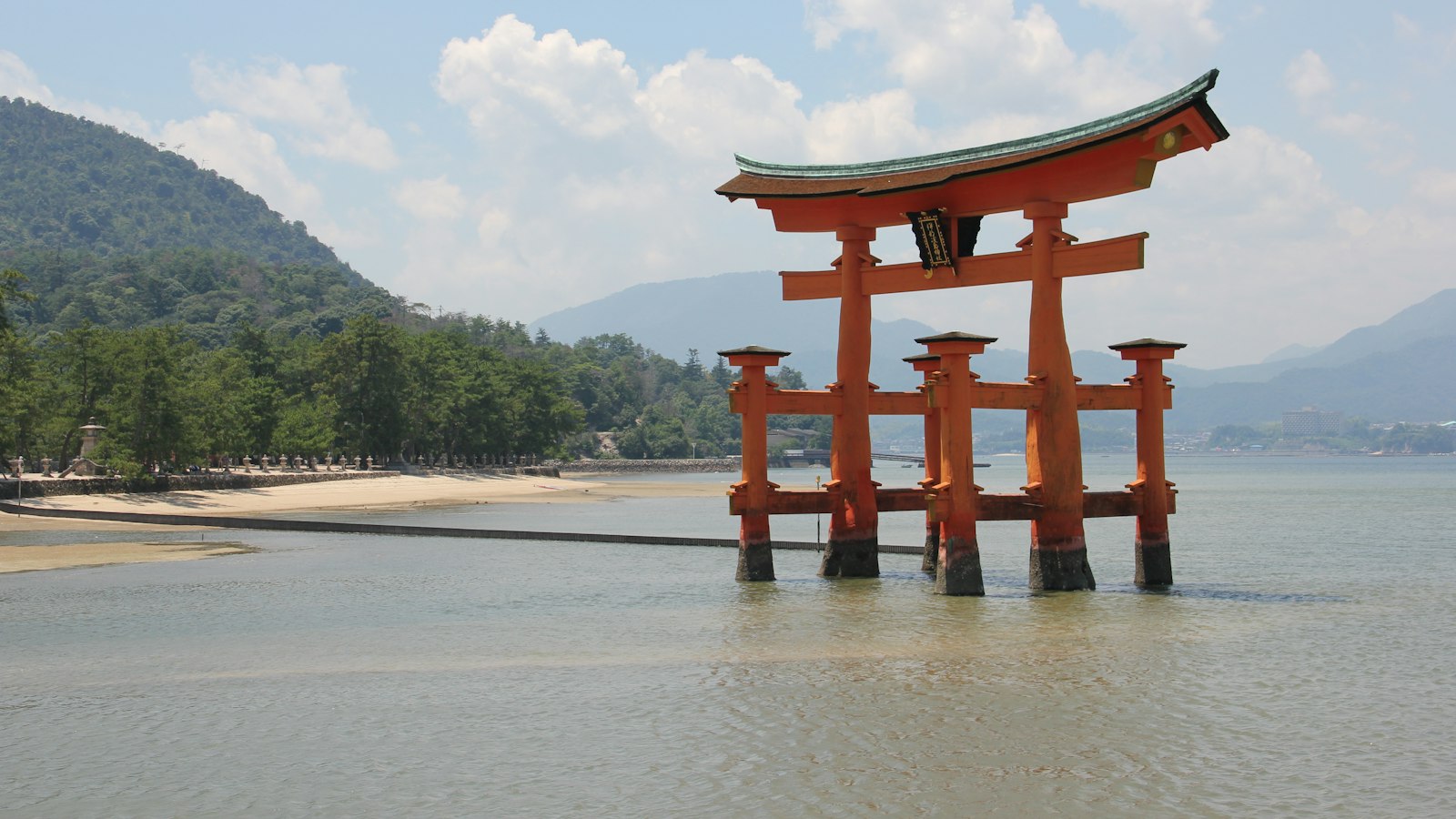
Hiroshima is one of the stops on many Western itineraries that is neither a base nor a city you simply pass through. It is a deliberate detour, usually a long day trip from Kyoto or Osaka, sometimes one night, and the connectivity question that follows is different from the one you answer for a city you are staying in.
Quick answer
- Whatever you already bought if you are coming from Kyoto or Osaka, since Japanese plans are nationwide
- A power bank if the day starts early, involves two long train legs and ends after dark
- A screenshot of the last ferry if you are going to Miyajima, where evening services thin out
- One plan sized to the whole trip if Hiroshima is one stop on a longer route rather than a base
You are probably not buying anything extra for Hiroshima
This is the honest answer and it saves you money. Tourist SIMs, eSIMs and rental Wi-Fi services in Japan generally use nationwide networks. There is no regional pricing and no Hiroshima-specific product to buy. Whatever you arranged for Osaka or Kyoto works here unchanged.
So the useful question is not what to buy, but whether a day of travel this long stresses the setup you already have. Two things do.
The Shinkansen leg is longer than people plan for
Hiroshima sits well west of the Kansai cities, and a return day trip from Kyoto or Osaka is a substantial amount of time on a train — enough that a phone doing navigation, messaging and some browsing will notice.
Coverage is generally good along the route, with the usual brief drops in tunnels, of which this stretch has many through the mountains. Video may buffer in tunnels rather than stop completely. If you plan to watch something, download it before you board.
The practical consequence is battery, not data. A day that starts early, involves a long train both ways, a walk around the Peace Memorial Park and a ferry, and ends after dark, is a full day of screen time. Bring a power bank, particularly if you are the one holding a shared connection for other people.
Miyajima means a ferry, and the timetable matters
The island is reached by a short ferry crossing. Mobile service can be less consistent on the water, but the bigger issue is the return timetable.
Ferry and train services become less frequent in the evening, and the last sailing is earlier than a visitor used to city transport expects. Check it before you cross and take a screenshot — it will still be available if you lose signal.
On the island itself, coverage in the built-up area around the shrine and the shopping street is fine. It weakens further as you climb Mount Misen, where terrain and tree cover can affect reception.
In the city
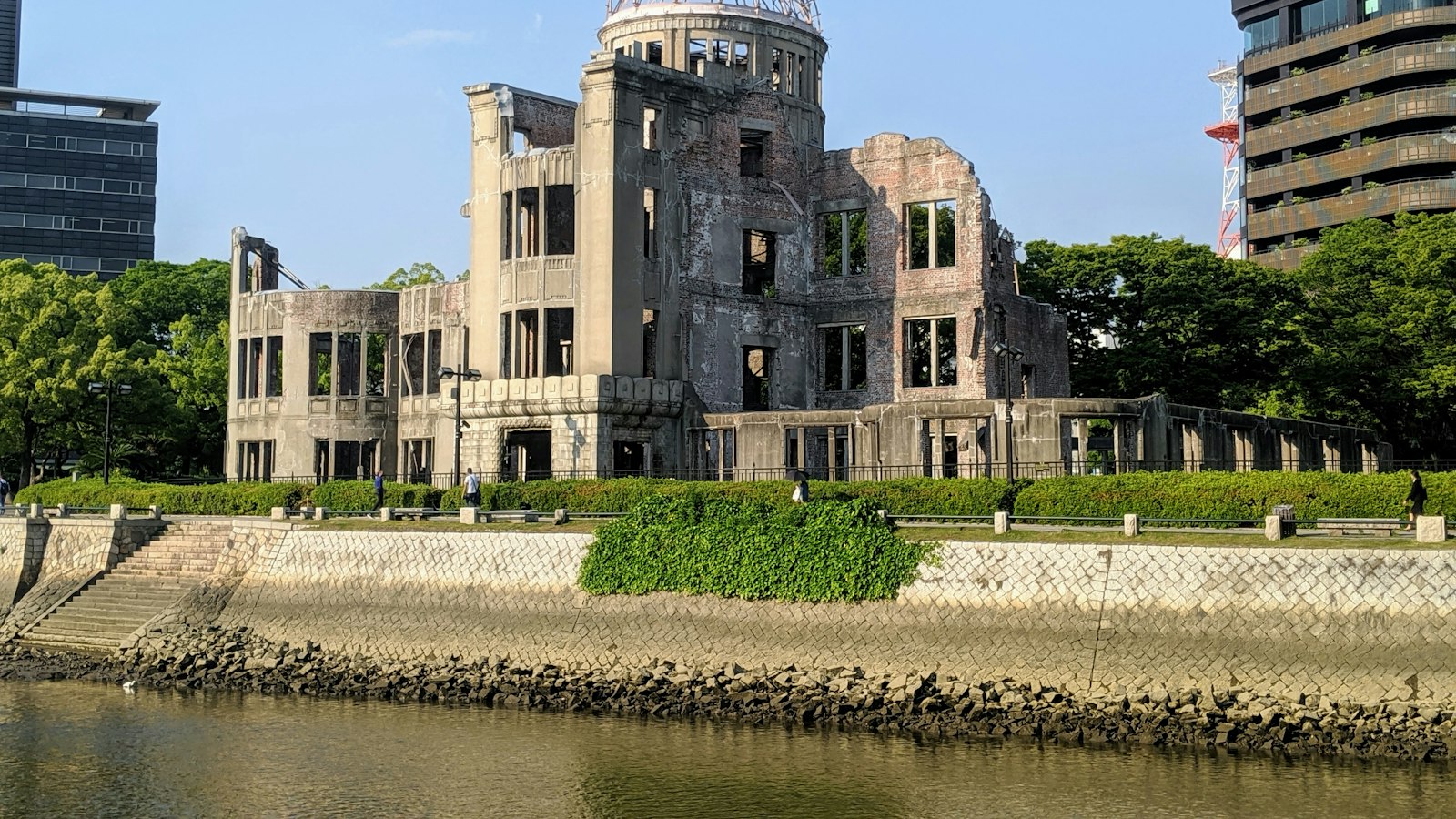
Central Hiroshima is well covered with few obvious dead zones, including the Peace Memorial Park and Museum and the area around Hiroshima Station.
Getting around is mostly by tram, which is slower than a subway and runs at street level, so you stay on the network the entire time rather than dipping underground between stops. That makes Hiroshima one of the easier Japanese cities for live navigation.

Mobal
Priced by the exact day, so a longer multi-city route pays for the days it uses
940+ customer reviews, mostly positive
What it costs
There is nothing to buy specifically for Hiroshima, so this is the nationwide picture:
| Party | Typical answer | Cost |
|---|---|---|
| Solo | One tourist eSIM | ¥1,650 for 3 days, ¥3,850 for 7 |
| Couple | Two individual eSIMs | ¥5,500 for 5 days |
| Family of 4 | One shared pocket Wi-Fi router | ¥8,558 for 7 days |
If Hiroshima is one stop on a longer route, size your plan to the whole trip rather than the individual legs. Our 14-day multi-city guide works through that, and the JR Pass travelers comparison covers the case where most of your days involve a train.

Sakura Mobile
Physical SIM or pocket Wi-Fi if a phone cannot take an eSIM
1,402 customer reviews, mostly 5-star but with some complaints
How much data a Hiroshima day uses
A reasonable rule of thumb is around 1-2GB per person. Higher than on an ordinary sightseeing day because of the travel time, but lower than on a city day involving long queues. As everywhere in Japan, the allowance is not the constraint — the charge left in your phone at 8pm is.
Frequently Asked Questions
Do I need a different SIM for Hiroshima?+
No. Tourist SIMs, eSIMs and rental Wi-Fi services in Japan generally use nationwide networks. There is no regional pricing and nothing Hiroshima-specific to buy.
Will I have signal on the Miyajima ferry?+
Mobile service can be less consistent over open water, but the crossing is short. The thing worth checking is the return timetable, not the signal.
What is the real risk on a Hiroshima day trip?+
Battery and the timetable rather than coverage. It is a long day with two substantial train legs, and the last ferry back is earlier than a visitor used to city transport expects.
All Hiroshima connectivity guides
Worked through by trip length and party size, with current prices for each.